


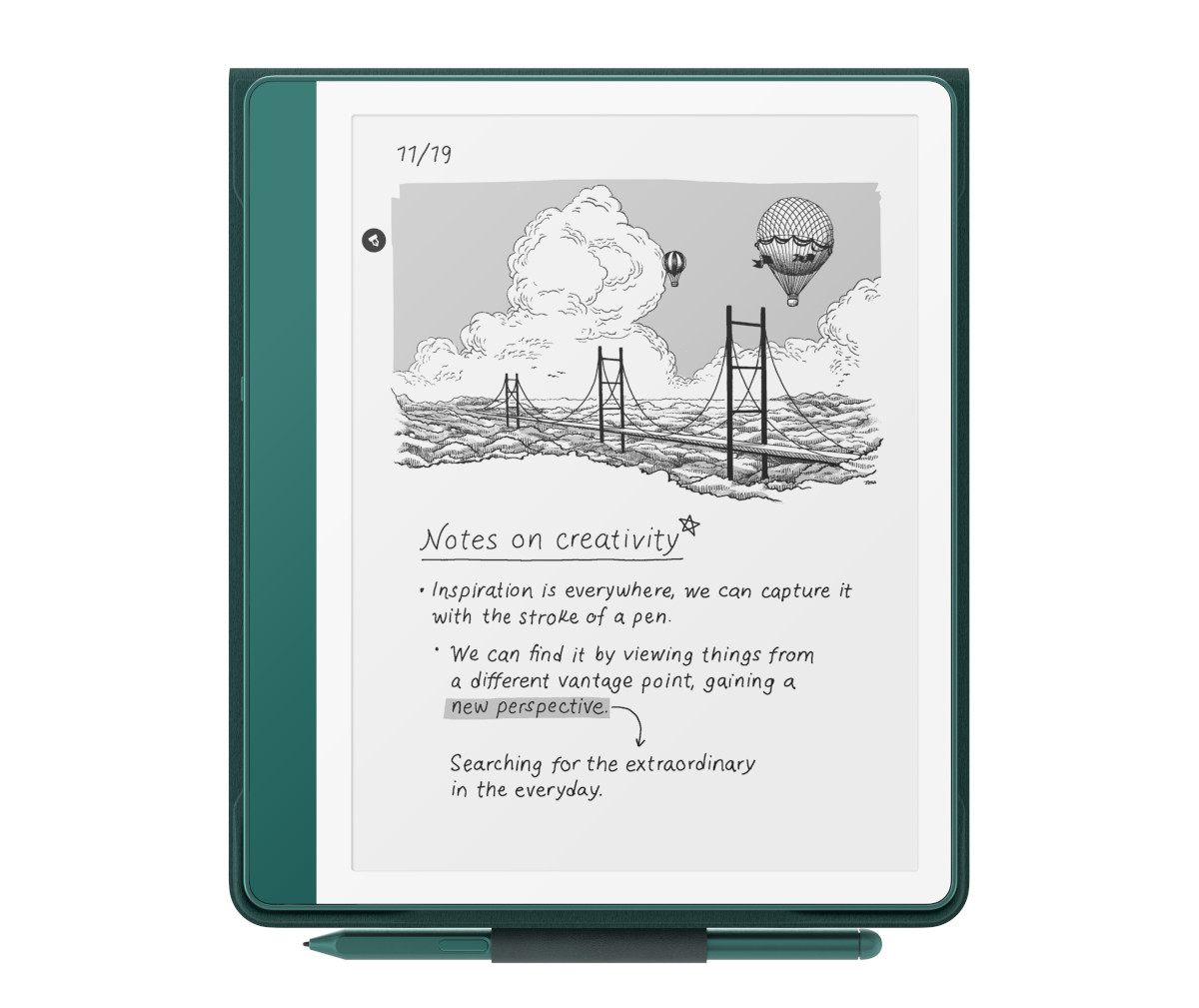
Amazon has released another software update for Kindles; hopefully this one goes better than the last disaster of an update that introduced several new bugs.
This latest update is version 5.19.3, and it’s available for all versions of the Kindle Scribe, along with the Kindle Colorsoft, the 12th gen Kindle Paperwhite, and the 2024 11th gen Kindle.
For some reason the update isn’t available for the 11th gen Kindle Paperwhite or the 2022 11th gen Kindle yet (yeah, there are two different versions of 11th gen Kindles released 2 years apart because Amazon likes to make things confusing).
The 5.19.3 update just lists one thing in the release notes, but as we all know by now, Amazon’s release notes can’t be trusted because these updates always include way more changes than the release notes suggest. Here’s the quote for the 5.19.3 update:
Improved USB-transferred PDFs: PDFs transferred to Kindle via USB now support latest reading features, including text selection, highlights, notes, and improved navigation. On Kindle Scribe, you can write directly on your PDFs. On Kindle Colorsoft and Kindle Scribe Colorsoft, PDFs display in color.
The thing is a lot of people already reported these changes with the last 5.19.2 update, so who knows if this latest update is really required to get improved PDF support or not.
I had sideloaded a couple of PDFs using USB on my 2022 Kindle Scribe after the last update, but the ability to write on them wasn’t available. I just installed this new update and those same sideloaded PDFs would not open at all.
When trying to open previously sideloaded PDFs I get the following error when running the 5.19.3 software:
Unable to Open Item
The selected item could not be opened. If you purchased this item from Amazon, remove the downloaded item and download it again from the Cloud or Home.
So I deleted those PDFs and sideloaded them again over USB, and they now open and they do support the new features, including writing directly on the PDF. I tested a few other PDFs I’d sideloaded a long time ago and most didn’t open either but one did so who knows what to expect with this update. You might need to delete all of your sideloaded PDFs and then sideload them again to get them to open.
On the plus side, it’s nice to see sideloaded PDFs finally getting support for handwriting, and it’s nice to see they’re finally in color on the color Kindles. However, annotations on sideloaded PDFs are not transferable to other devices/software. If you transfer the PDF file back to your computer any notes you added are not visible on other programs, only the Kindle itself.
It’ll be interesting to see what other new mystery features start showing up when more Kindles start getting the 5.19.3 update. I did some quick tests and I didn’t notice any other major changes, but sometimes it takes awhile for changes to show up after a new update.
I noticed there’s still no way to open the full dictionary when looking up words, so they still haven’t fixed that from like 3 updates ago, and maybe they never will. I still don’t see any of the new AI features like “Ask this Book” and “Story So Far” that Amazon said would be coming to Kindles over half a year ago.
If you want to install the new update on your Kindle, you can download it from Amazon’s Kindle Software Updates page and install it manually. Otherwise the update will install on its own at some point in the future while your Kindle is connected to WiFi. If you don’t want the update turn on airplane mode now. Kindle updates are not optional.
If you notice any new changes with the 5.19.3 update, please leave a comment about it below.

