

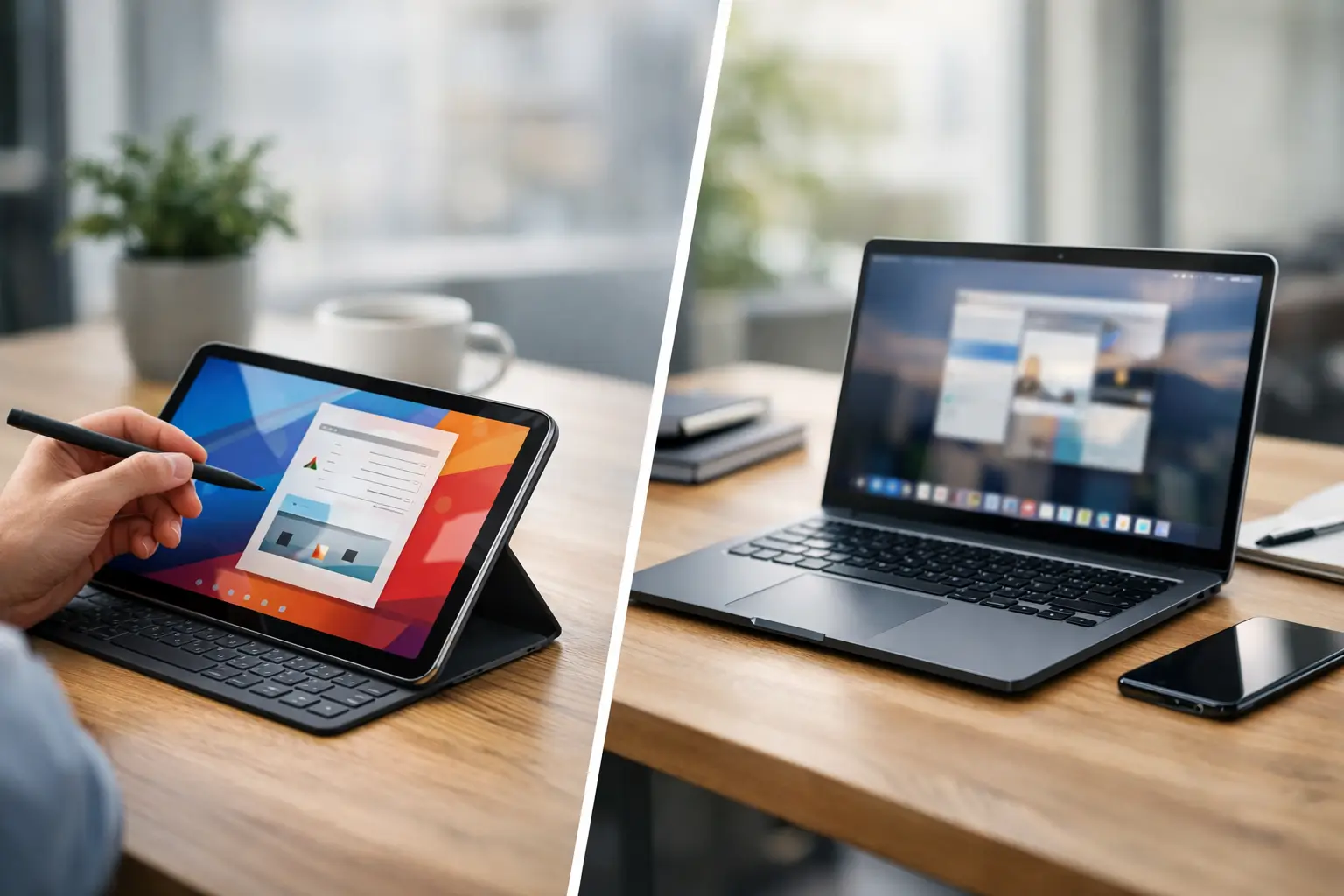
A tablet can look like the obvious winner when you are watching Netflix on the sofa, scrolling through headlines or packing light for a weekend away. Then Monday arrives, you need to edit a spreadsheet, join a video call and send six attachments, and the tablets vs laptops debate gets much more practical.
The right choice is less about which device is ‘better’ and more about what you need it to do when time is short. For some people, a tablet with a keyboard cover replaces a laptop perfectly well. For others, it is an expensive second screen that still cannot handle the jobs a proper computer makes easy.
Tablets vs laptops: the difference that matters
Tablets are built around touch. They start quickly, feel portable and work brilliantly for reading, streaming, casual games, video calls and everyday browsing. Most have strong battery life, good cameras and displays that make films, social feeds and digital magazines look excellent.
Laptops are built around sustained work. Their physical keyboards, larger screens, file systems and wider choice of software make them more comfortable for writing, research, multitasking and detailed projects. A laptop may take up more room in a bag, but it usually asks fewer compromises of you once the task becomes serious.
That distinction is becoming less clear. Premium tablets can run multiple apps at once, connect to external displays and use trackpads, keyboards and styluses. Lightweight laptops can fold into tablet-style positions and run all day on a charge. Still, the operating system and the way you interact with it remain the deciding factors.
When a tablet makes more sense
A tablet is the easy pick if your device mainly exists for consuming content. It is more relaxed to hold than a laptop in bed or on a train, and there is no hinge, trackpad or desk required. For commuters, frequent travellers and anyone who wants one screen for entertainment, reading and light admin, that convenience is hard to beat.
It can also be a strong option for students whose work centres on lecture slides, ebooks, web research and handwritten notes. A stylus lets you annotate PDFs, sketch diagrams and organise notebooks without carrying folders around campus. Artists and designers who draw directly on screen may also find a tablet more natural than working with a mouse.
Tablets are particularly useful as household devices. They are quick for recipes in the kitchen, smart-home controls, family video calls, children’s games and checking the news over breakfast. Because app stores are tightly managed, they can feel simpler and less intimidating for users who do not want to manage folders, updates and desktop software.
Price can help too, but only at the entry level. Basic tablets are often cheaper than decent laptops, especially if you only need browsing, streaming, email and online shopping. The catch comes when you add more storage, a keyboard, a stylus and a protective case. A high-end tablet setup can cost as much as a capable laptop while still leaving you with a more limited workflow.
The tablet trade-offs
Typing a few messages on a glass screen is fine. Writing a long report, applying for jobs or answering a busy inbox is another matter. A detachable keyboard improves the experience, but it may be cramped, less stable on your lap and one more accessory to charge or carry.
File management can be frustrating too. Moving documents between apps, renaming batches of files or working from a complicated set of folders is generally faster on a laptop. Some specialist web tools and workplace systems also work better, or only work properly, on a desktop-class browser.
Why laptops still lead for work and study
For regular writing, a laptop remains the sensible default. The keyboard is ready, the screen sits at eye level and the trackpad gives you precise control when you are editing, formatting or switching between tabs. Those small advantages add up over a three-hour study session or a packed day of work.
Laptops are also better at running several demanding tasks together. You can keep a video meeting open, compare documents, use a browser with dozens of tabs and work in a spreadsheet without constantly jumping between full-screen apps. If you deal with presentations, data, coding, photo libraries or complex documents, the difference is immediate.
Software choice is another major reason to choose a laptop. Windows, macOS and ChromeOS machines support a wider range of professional programmes and browser extensions. That matters for university courses, remote roles and side projects, where a programme required in week six may not have a convincing tablet version.
Gaming is similarly split. Tablets are excellent for mobile games and cloud gaming, especially with a controller. But a laptop is far more flexible for PC titles, game libraries, mods and accessories. Buyers looking at creative work should think along the same lines: tablet apps can be impressive, yet video editing, music production and serious design projects are usually easier on a laptop with more storage, ports and processing headroom.
The laptop trade-offs
Not every laptop is portable in practice. Larger models need a proper bag, take up space on a café table and can feel awkward on public transport. Budget laptops may also have dim screens, weak speakers and poor battery life, making them less enjoyable for entertainment than a mid-range tablet.
They are usually less spontaneous as well. A tablet is easy to pick up for five minutes; a laptop invites you to sit down and work. That is an advantage when concentration is needed, but it can make a laptop feel excessive for simple tasks.
Think about your real day, not the spec sheet
Before comparing processors and screen sizes, picture the moments when you will actually use the device. If it will live beside the sofa, travel in a small bag and mostly play video, display recipes and handle messages, a tablet is likely the better fit. Choose enough storage for downloaded shows, photos and apps, as storage upgrades are often expensive later.
If you are buying for work, ask what happens on a deadline. Can you comfortably write 1,500 words, manage a spreadsheet, upload files, take part in a Teams call and keep reference pages open? If the answer is uncertain, buy the laptop. A lightweight 13-inch model is often more useful than an ambitious tablet package for the same money.
Students should check course requirements before buying anything. Universities may expect specific software, access to virtual desktop tools or the ability to use exam platforms that are not tablet-friendly. A tablet can be a brilliant companion for notes and reading, but relying on it as your only machine can become inconvenient fast.
Also consider ports and repairs. Laptops commonly offer more connections for USB drives, monitors and accessories, although slim models vary. Tablets increasingly rely on a single USB-C port and wireless connections. Both can be costly to repair, so a case, insurance or extended cover may be worth considering if the device will travel daily.
Is a two-device setup worth it?
For people who can afford it, a laptop and a basic tablet can be more useful than one premium tablet trying to cover every job. The laptop handles applications, admin and focused work. The tablet takes care of reading, streaming, travel and informal browsing.
That is not essential for most buyers. It only makes sense if each device has a clear role. Buying both because one looks fun and the other looks sensible is an easy way to spend more while one gathers dust in a drawer.
The best choice is the one that removes friction from your routine. Pick a tablet when portability, touch controls and entertainment come first. Pick a laptop when you need to create, organise and work for hours without fighting the device. If you are torn between the two, choose the machine that will still help on your busiest day, not just the one that looks best on the sofa.

